
Reverse-Engineer AI Art Prompts from Reference Images
NanoBanana Team · July 19, 2026 · 7 min read
Keywords: reverse engineer ai prompts, nano banana pro, image to prompt, ai art generator
Published: July 19, 2026 Author: NanoBanana Team
The Hidden Value Behind Reference Images
Every creative professional has encountered the scenario: you scroll through a feed, stop at a stunning piece of AI-generated art, and immediately wonder, "How did they make that?" The visual is perfect, the lighting is precise, and the composition is exactly what your current project needs. However, the prompt remains hidden. In the past, this meant guessing parameters or spending hours tweaking sliders to approximate a style. Today, the workflow has shifted from guesswork to analysis.
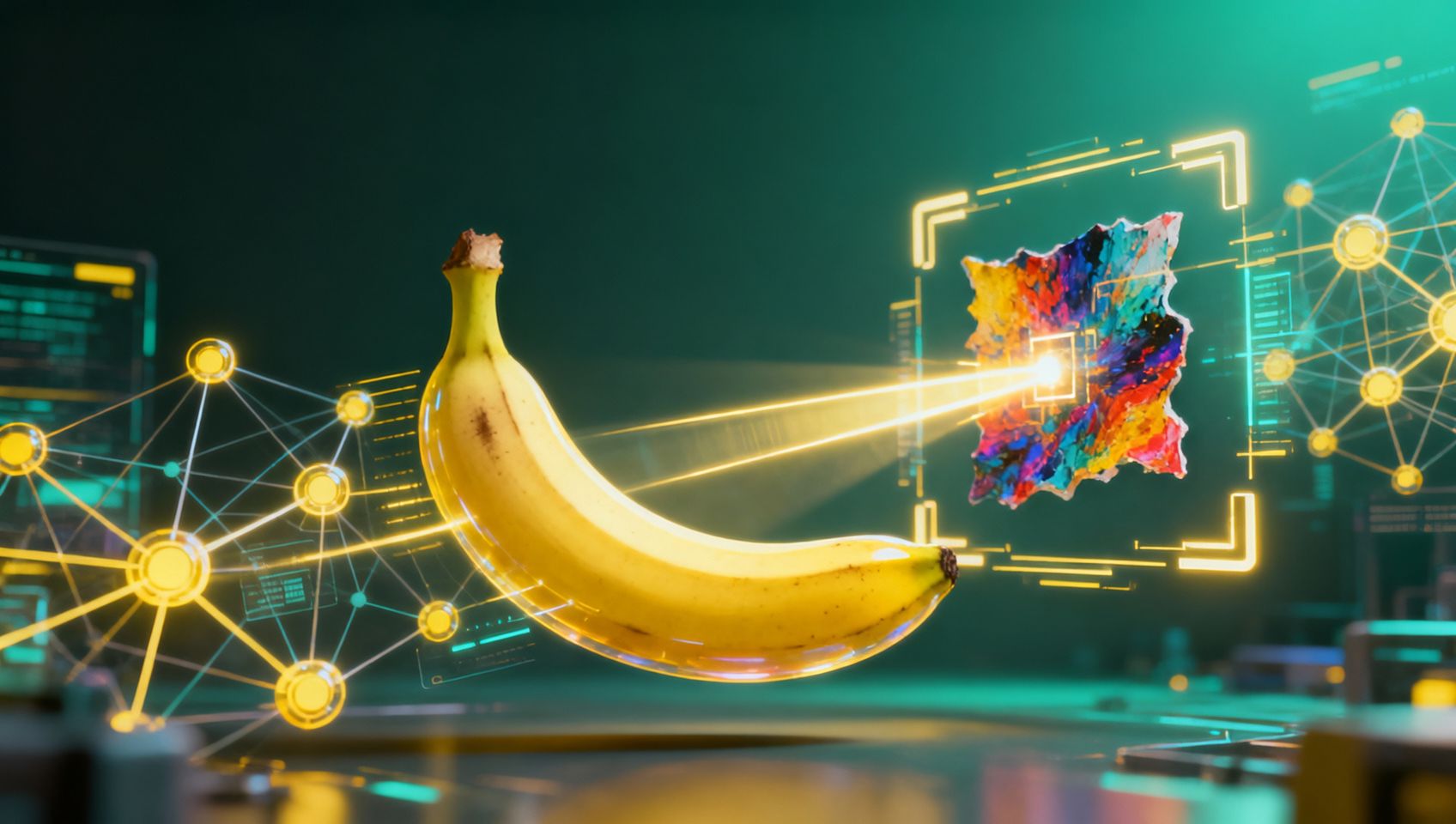
Nano Banana Pro, available within MidassAI Studio, changes how we interact with existing visuals. Instead of treating reference images as static inspiration, you can treat them as data points. By uploading an image to the platform, the system utilizes advanced multimodal capabilities to deconstruct the visual elements and reconstruct the likely text instructions that created them. This is not merely about copying; it is about understanding the linguistic bridge between human intent and machine output.
For users operating in multilingual environments, this capability is particularly potent. The system is optimized to return copy-ready Chinese prompts, maintaining over 90% fidelity even on images containing heavy text elements. This allows designers to bridge language gaps seamlessly, taking a visual style discovered globally and adapting the instructional prompt for local workflows without losing the nuance of the original generation.
Who This Is For
This workflow is not designed for casual browsers looking for a quick filter. It is built for practitioners who need reproducibility and scale. Marketing teams managing consistent brand visuals across campaigns benefit significantly. When a specific image performs well, reverse-engineering the prompt allows you to generate variations that retain the core aesthetic while swapping out products or backgrounds.
Educators and students in digital art programs also find value here. Understanding how complex images are constructed helps learners grasp the syntax of prompt engineering. Instead of abstract theory, they can analyze real-world outputs to see how lighting descriptors, camera angles, and artistic styles are weighted in the final generation. Additionally, developers integrating AI into larger pipelines can use this feature to audit generated content, ensuring that the prompts align with safety guidelines and brand standards before mass production.
The Technology Behind the Analysis
Nano Banana operates as an independent service utilizing Google's API technology, specifically leveraging the multimodal understanding of Google Gemini. This foundation is critical for high-fidelity reverse engineering. Standard image recognition might identify objects, but it often misses the stylistic nuances that define AI art, such as "octane render," "volumetric lighting," or specific artist influences.
The system does not simply tag the image. It analyzes the texture, color grading, and composition to infer the parameter set used during generation. When text is present within the image, the optical character recognition (OCR) capabilities are engaged to ensure that any written elements in the prompt are captured accurately. This is where the 90%+ fidelity claim comes into play. Many tools struggle when text is integrated into the art itself, often hallucinating words or missing stylistic commands. Nano Banana Pro structures this data into a breakdown template, separating content from style, which gives you granular control over the reconstructed prompt.
Executing the Reverse-Engineering Workflow
To get the most out of this feature, you need a structured approach. Uploading an image is the first step, but the quality of the output depends on how you frame the request. When you access the tool in MidassAI Studio, you are not just dropping a file; you are initiating an analysis job.
Start by selecting the highest resolution version of the reference image available. Compression artifacts can confuse the analysis model, leading to vague descriptors. Once uploaded, apply the structured breakdown template. This template forces the AI to categorize its findings into subject, environment, lighting, and style. This categorization is vital because it allows you to edit specific components later. For instance, you might love the lighting of a reference image but want to change the subject entirely. Having the prompt broken down means you can swap the subject parameter without destabilizing the lighting configuration.
Pay close attention to the language output. If you are working with the Chinese prompt feature, verify the technical terms. While the fidelity is high, specific artistic terminology might vary between languages. You may need to swap a translated term for a widely recognized English technical term if you are feeding the prompt into a model that responds better to English syntax. The goal is to use the reverse-engineered text as a robust draft, not necessarily a final command.
Practical Example: Poster Design
Consider a scenario where you find a movie poster with intricate typography and a specific cyberpunk aesthetic. You need to create a series of social media banners that match this look. Using a standard generator, you might spend days trying to describe the neon glow and the font weight. With Nano Banana Pro, you upload the poster.
The system analyzes the image and returns a prompt structure that includes descriptors for "neon-noir lighting," "high contrast," and specific camera focal lengths. Crucially, it also captures the text layout instructions. You take this output, modify the text content to match your campaign, and regenerate. The result is a set of assets that feel part of the same universe as the original reference. This reduces iteration time from days to hours. It also ensures that the visual language remains consistent across different deliverables, which is often the hardest part of scaling creative production.
Limitations and Best Practices
While the technology is powerful, it is not magic. The fidelity rate depends heavily on the complexity of the source image. Highly abstract art may yield prompts that are interpretive rather than exact. Additionally, ethical considerations matter. Reverse-engineering prompts should be used for learning and inspiration, not for directly infringing on another artist's unique style or copyrighted work. Always use these tools to accelerate your own original creations rather than to replicate protected intellectual property.
Another best practice is iteration. Take the reverse-engineered prompt and run it through the generator. Compare the output to the original reference. Note the differences. Did the model miss a specific shadow detail? Add that to the prompt manually. This feedback loop improves your own understanding of how the model interprets language over time. You become a better prompt engineer by analyzing where the AI's reconstruction succeeds and where it fails.
Workflow Essentials
Integrating into Your Studio Pipeline
The ultimate goal of using Nano Banana is not just to analyze one image, but to streamline your entire production pipeline. By incorporating this step early in your project, you establish a visual baseline. You can build a library of successful prompt structures derived from high-performing images. Over time, this library becomes a proprietary asset for your team, reducing onboarding time for new designers and ensuring that outgoing work meets a specific quality threshold.
MidassAI Studio provides the environment to manage these workflows efficiently. You are not switching between disjointed tools; the analysis and generation happen within the same ecosystem. This reduces context switching and keeps your project files organized. Whether you are editing photos with natural language or generating entirely new concepts from text, having the ability to reverse-engineer existing visuals adds a layer of precision to your toolkit.
Moving Forward with Precision
The landscape of AI art is moving from experimentation to production. In this phase, consistency and control are more valuable than random novelty. Reverse-engineering prompts from reference images gives you the control to replicate success and the flexibility to innovate upon it. It turns passive consumption of art into active learning and production.
You do not need to remain stuck guessing parameters when a visual standard is already set. Leverage the analysis capabilities built into Nano Banana Pro to decode the visuals around you. Transform inspiration into actionable instructions. When you are ready to test this workflow on your own reference images, the tools are available to help you bridge the gap between seeing and creating.
Visit MidassAI Studio to access the Nano Banana workflow and start deconstructing your visual references today.