
Nano Banana Character Sheet Template: Three-View…
NanoBanana Team · July 19, 2026 · 7 min read
Keywords: Nano Banana character sheet, AI three-view turnaround, MidassAI Studio Nano
Published: July 19, 2026 Author: NanoBanana Team
Solving the Consistency Problem in AI Character Design
Maintaining character consistency across multiple generated images remains one of the hardest hurdles in generative AI workflows. You might generate a perfect portrait, but when you ask for a side profile or a full-body shot, the model often alters the clothing texture, facial structure, or color palette. This inconsistency breaks immersion for game developers, animators, and concept artists who need reliable assets for production pipelines.
Nano Banana Pro, available within MidassAI Studio, addresses this specific friction point through structured prompting and controlled composition. By utilizing a dedicated character sheet template, you can force the model to adhere to a strict layout that separates facial details from body mechanics. This approach does not rely on luck; it relies on spatial constraints within the prompt and aspect ratio settings that guide the diffusion process.
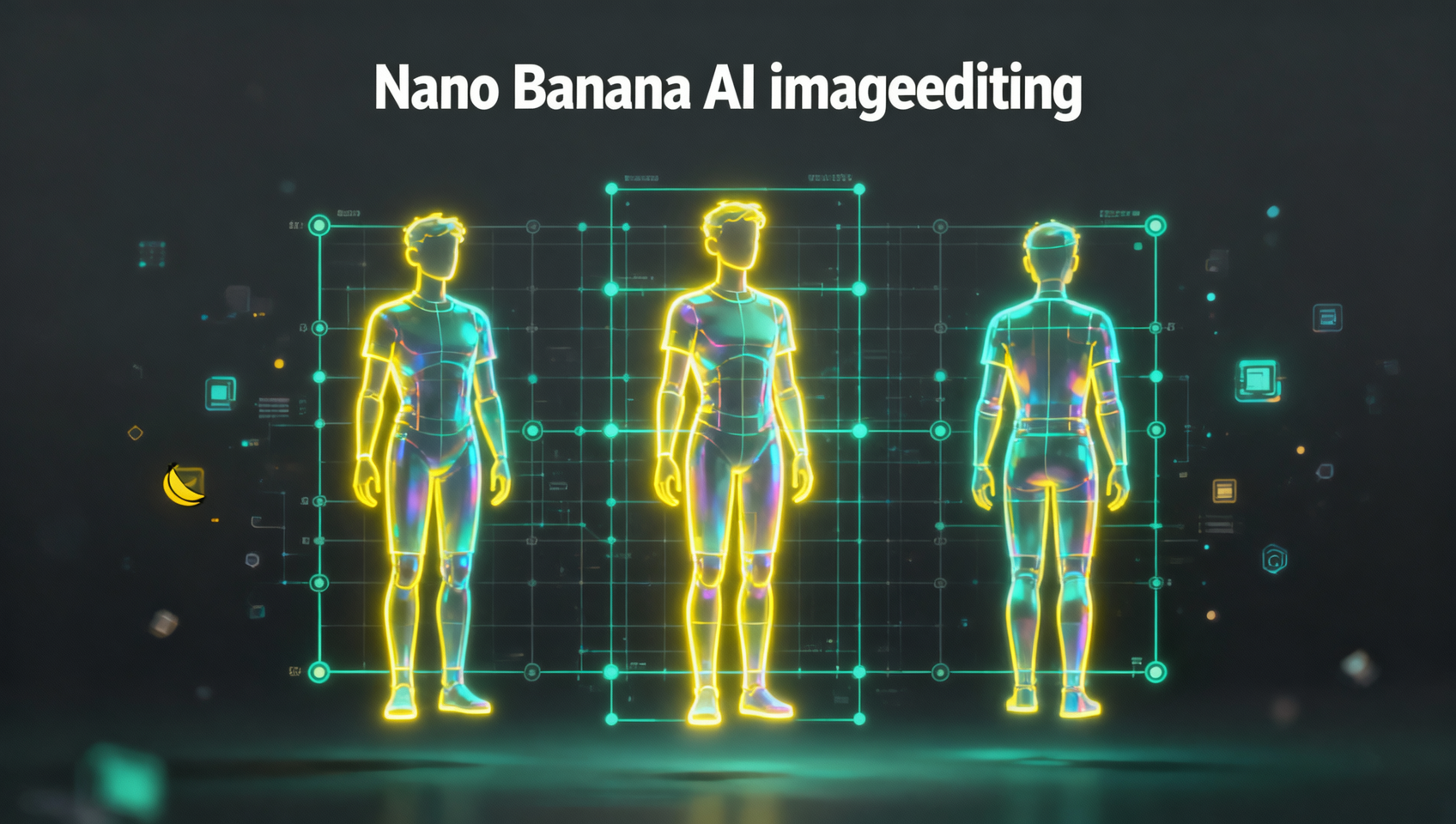
This guide breaks down the exact workflow for generating a standard industry character sheet. We focus on a 16:9 canvas split into four distinct panels. The left side reserves space for an extreme close-up (ECU) of the face, while the right side accommodates a full-body three-view turnaround (front, side, back). The background remains pure white to ensure easy masking and integration into downstream tools like Photoshop or Blender.
Who This Is For
This workflow is designed for practitioners who need production-ready assets rather than casual experimentation. If you are a concept artist pitching a character to a client, you need to show how the design holds up from every angle. If you are an indie game developer, you need orthographic references for 3D modelers. If you are an animator, you need consistent proportions to avoid flickering assets in motion.
This template is not suitable for stylized abstract art or single-image portraits. It is specifically engineered for technical clarity. The white background requirement ensures that you can rotoscope the character out without spending hours on manual selection tools. The four-panel split provides enough resolution for facial details while maintaining the full silhouette context.
The Template Architecture
Understanding the spatial layout is critical before writing a single token. Nano Banana Pro interprets spatial instructions differently than standard midjourney-style generators. You are not just describing the subject; you are describing the canvas architecture.
The target aspect ratio is 16:9. This wide format provides the necessary horizontal real estate to place the face shot and the body turnarounds side-by-side without crushing the resolution. If you attempt this in a 1:1 square, the model will compress the turnaround views, losing detail in the limbs and clothing folds.
The layout consists of two primary zones. The left zone occupies roughly one-third of the width and contains the face ECU. This shot must show the eyes, nose, and mouth clearly, with neutral lighting to avoid shadow confusion. The right zone occupies the remaining two-thirds and contains the three-view turnaround. These figures must be aligned horizontally, standing on the same ground plane, with consistent lighting direction.
Prompt Engineering for Multi-Panel Layouts
Writing prompts for multi-panel images requires explicit separation instructions. You cannot simply say "show me a character sheet." You must define the panels. Nano Banana Pro responds well to structural keywords that denote separation.
Start with the medium and style definition. Specify "character sheet design" and "orthographic view" to signal technical intent. Next, define the background. Use "plain white background" and "no shadows on floor" to prevent the model from generating a grounded environment that complicates extraction.
For the panel structure, use delimiters in your prompt. A effective structure looks like this: "Layout split into two sections. Left section: extreme close-up of face, neutral expression, high detail on eyes. Right section: full body character turnaround, front view, side view, back view, aligned horizontally."
Include negative prompts to suppress common artifacts. Terms like "multiple heads," "merged limbs," "color bleeding," and "textured background" should be excluded. If the model persists in adding shadows, increase the weight on the "white background" token. Consistency in clothing is maintained by describing the outfit in the initial subject definition and repeating key descriptors like "blue tactical vest" or "leather boots" in the turnaround section of the prompt.
Execution in MidassAI Studio
Accessing this workflow requires the MidassAI Studio environment where Nano Banana is hosted. The interface allows you to select the specific model version. Ensure you are selecting Nano Banana Pro, as the base version may lack the resolution fidelity required for small panel details.
Set your aspect ratio slider to 16:9 immediately. This locks the canvas shape before generation begins. Input your structured prompt into the text box. If the studio offers a "negative prompt" field, populate it with the artifact terms mentioned previously.
Once generated, inspect the image at 100% zoom. Check the hands in the turnaround view; this is a common failure point. Check the eyes in the ECU view for symmetry. If the layout is correct but the details are soft, do not regenerate the entire image. Use the inpainting or variation tools available in the studio to refresh only the problematic panel. This saves credits and maintains the overall composition.
Quick Takeaways
Common Pitfalls and Troubleshooting
Even with a structured template, generative models can drift. One frequent issue is the "merge," where the face shot bleeds into the body shot. This happens when the separation instruction is too vague. To fix this, add "vertical divider line" or "clear separation" to your prompt. While you may not want a visible line in the final art, the instruction forces the model to respect the boundary.
Another issue is lighting inconsistency. The face might be lit from the left, while the turnaround is lit from the right. This makes the character sheet unusable for 3D modeling. Specify "studio lighting, front lit" globally in the prompt. Avoid environmental light sources like "sunset" or "neon signs" which introduce complex shadows that vary by angle.
Resolution loss is the third pitfall. If the generated image is too small, the face ECU will be pixelated. Ensure you are exporting at the maximum resolution allowed by your studio tier. If the textural details on the clothing are blurry, try adding "high fidelity texture" or "4k details" to the prompt权重.
Iterative Refinement Workflow
Rarely is the first generation perfect. Treat the output as a base mesh. If the face is correct but the back view is distorted, crop the back view section and use an image-to-image pass to regenerate only that segment. You can feed the successful front view as a reference image for the back view generation to ensure clothing patterns match.
Nano Banana supports reference images within the MidassAI Studio interface. Upload your best front view as a reference lock. This tells the model to preserve the color palette and design elements while changing the angle. This technique significantly reduces the hallucination of new accessories or colors in the side and back views.
Finalizing Your Assets
Once you have a clean generation, the work is not entirely done. AI generators often leave slight artifacts on the edges of the character silhouette. Take the image into a raster editor and perform a clean cutout. Save the character sheet as a PNG with transparency. This file is now ready for your pipeline, whether that means importing it into a game engine or sending it to a modeling team.
The value of this workflow lies in repeatability. Once you refine the prompt structure for your specific art style, you can reuse it for every new character. This creates a standardized library of assets that look like they belong to the same project. Consistency is the hallmark of professional production, and structured prompting is the key to achieving it with AI.
For creators ready to implement this standardized workflow, the tools are available now. You can access the Pro model and the necessary aspect ratio controls directly through the studio interface.
Try Nano Banana in MidassAI Studio to begin generating production-ready character sheets today.