
Nano Banana 2.1: What Changed in October 2026
NanoBanana Team · October 14, 2026 · 6 min read
Keywords: Nano Banana 2.1, Gemini image editing, Nano Banana migration
Published: October 14, 2026 Author: NanoBanana Team

Nano Banana 2.1 is the October update to Google's image-generation family. For an existing workflow, the useful question is whether it preserves the details that matter while reducing the number of revisions. A beautiful first image is only part of that test.
Google's October 6 release notes identify the generally available model as gemini-nano-banana-2.1. This article separates the documented changes from the checks we recommend before switching a production workflow. It is a source-based release analysis, not a hands-on benchmark. The cover is an original Wan illustration; the diagrams are our explanatory graphics.
What changed on October 6
The release focuses on visual quality, following the prompt, keeping characters recognizable across turns, rendering text and handling very wide images. Those changes are relevant when you need a usable set of assets rather than a single striking picture. For example, an editor creating three product scenes needs the same packaging in all three, not three individually attractive redesigns.
The official model page lists 1K, 2K and 4K output, with 1K as the default. It also describes fixes for tiling artifacts in panoramic ratios at 2K and 4K. These are vendor-documented improvements, not a guarantee that every wide composition will be clean. Check repeated backgrounds, window grids and lettering near the edges before approving a banner.
| Decision | Documented detail | Practical check |
|---|---|---|
| Choose the model | gemini-nano-banana-2.1 |
Record the exact model selected, not just the Nano Banana label. |
| Choose resolution | 1K, 2K or 4K | Inspect small lettering and edges at the actual delivery size. |
| Add references | Up to 14, with documented character/object limits | Give each file one clear role and remove conflicting views. |
| Iterate | Improved multi-turn consistency | Compare each accepted turn with the original reference. |
Organize references before adding more
The model documentation describes support for up to four characters and ten objects within a maximum of fourteen references. Treat that as capacity, not a reason to upload fourteen files. A small, deliberate reference set is easier to explain and diagnose.
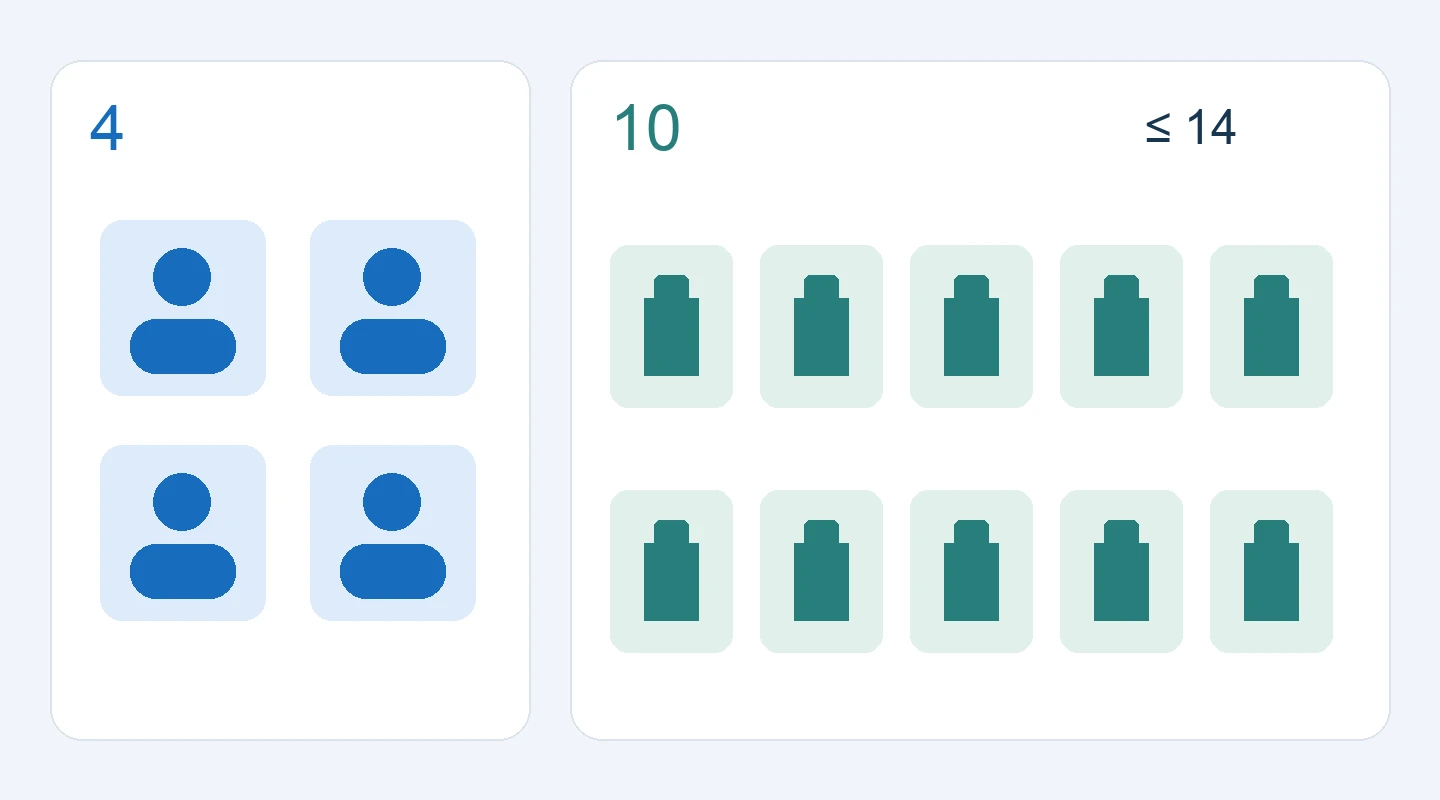
For a product campaign, start with a clean product view and one environment reference. State which image controls the product's shape and which controls the setting. Add a detail view only when a label, seam or material is otherwise hard to see. Two references that disagree about the cap color can create a problem that no amount of extra prompting resolves.
A useful preparation exercise is to write a one-line role for every file before uploading it. If you cannot explain what a reference contributes, leave it out of the first pass. After the first result, add information in response to a specific defect. This keeps the next change interpretable and makes it easier to return to the last acceptable version.
These are editorial workflow recommendations. They do not promise identity-perfect output. The model card still lists imperfect character consistency, spatial confusion and partial instruction following among the limitations.
Pick the output shape before polishing detail
A square social tile and a panoramic website banner require different compositions. Request the final aspect ratio early, then decide whether the selected design needs a higher-resolution pass. Cropping a finished square into a very wide banner can remove the subject or leave no usable space for a headline.
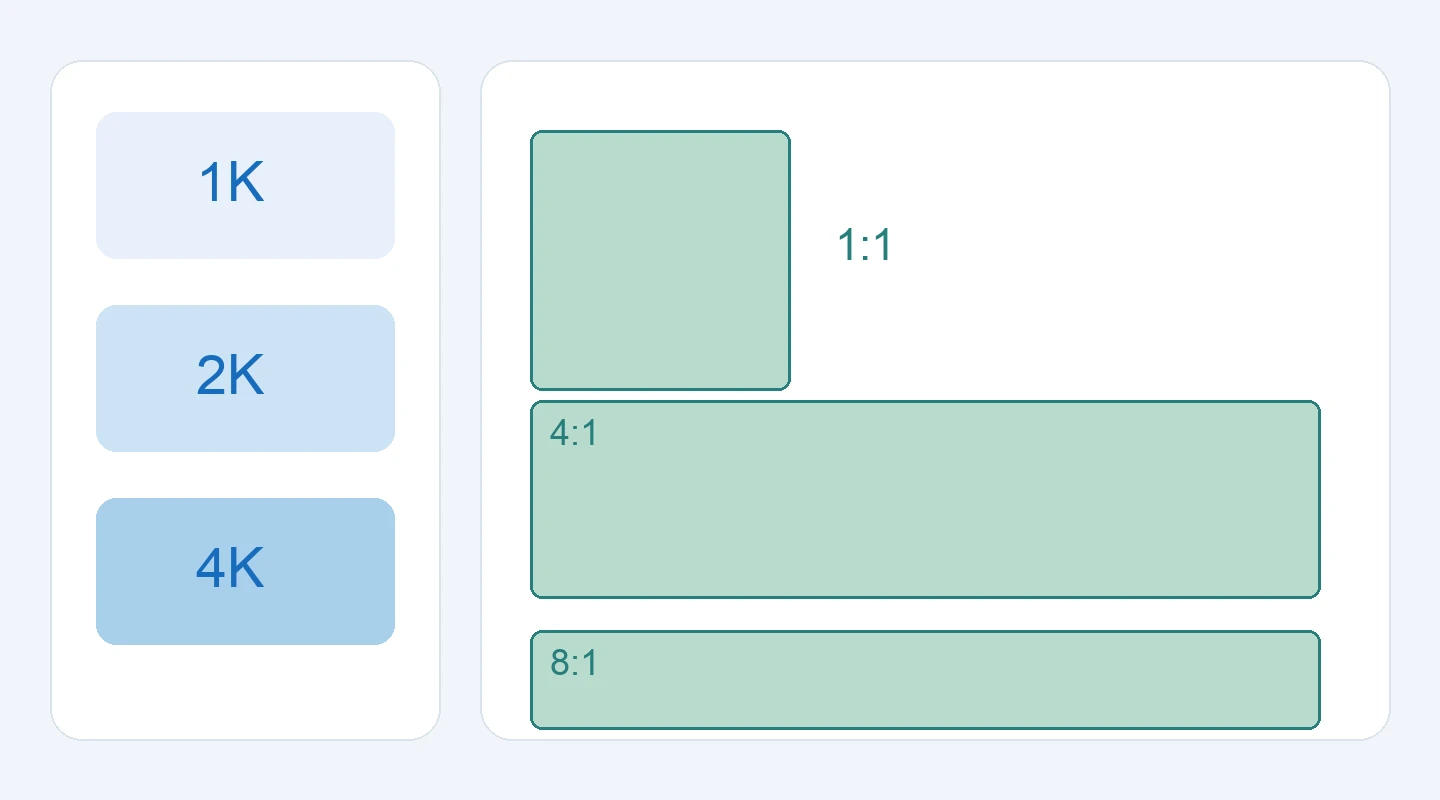
The diagram illustrates shapes, not measured output quality. Google's current guide notes that the older 3.1 Flash Image supports a 512px option that Nano Banana 2.1 does not. If your integration assumes that small option exists on every model, inspect the request configuration before changing the model identifier. See the image-generation guide for the current supported settings.
For lettering, write the exact copy separately and check it character by character in the final export. Higher resolution is not a substitute for proofreading. Keep essential legal copy, dates and prices in a controlled typesetting step if an error would make the asset unusable. A poster can look convincing at thumbnail size while containing a wrong digit or an invented word.
Migrate with a small acceptance set
The October 6 changelog marks gemini-3.1-flash-image deprecated and, in the version checked for this article, says no shutdown date has been announced. Do not build a migration deadline from a search snippet. Recheck the official deprecation table before scheduling a change.
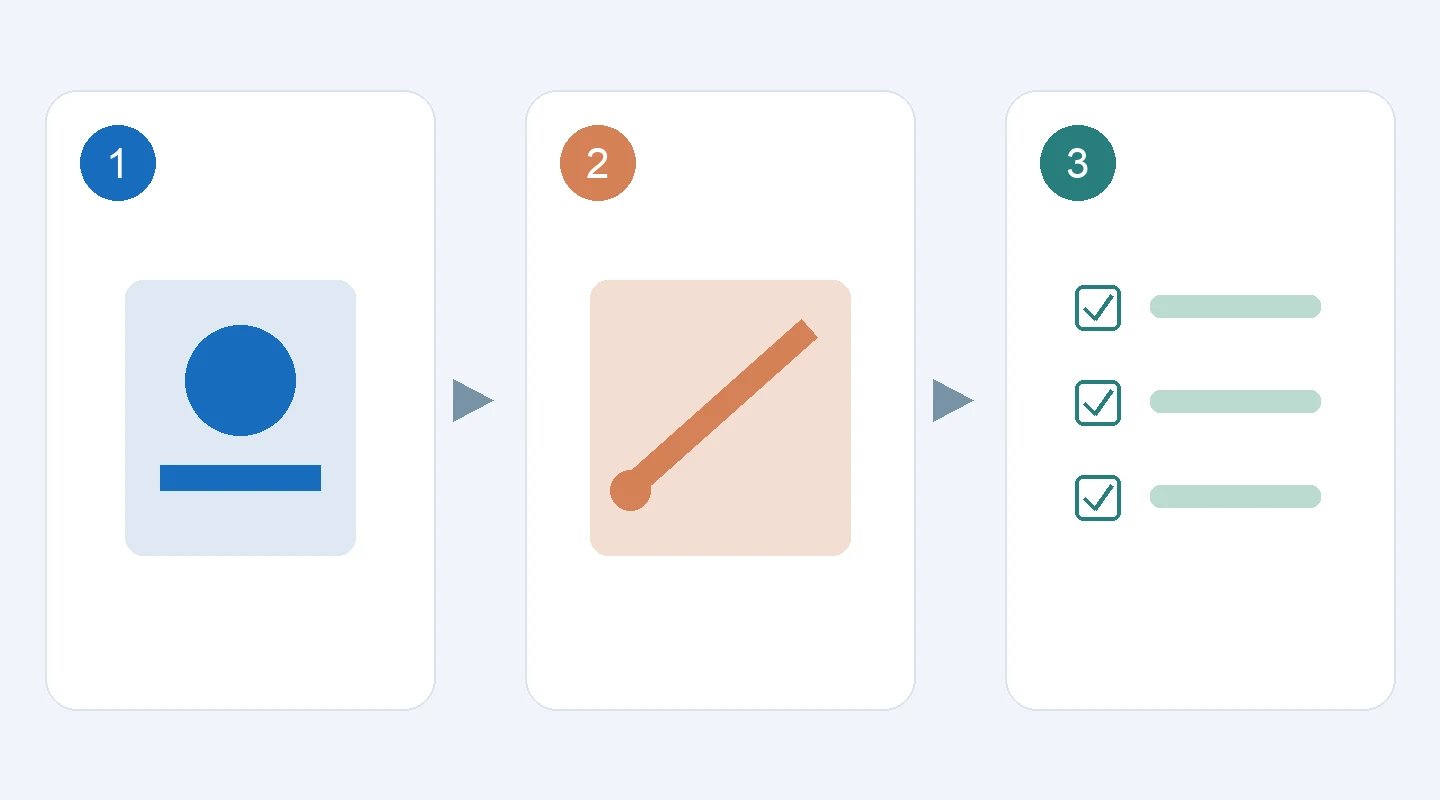
Choose three jobs that represent your actual work: a product scene, an image with exact short text, and a two-turn edit. Keep the original files, prompts and requested output shape. Run the same brief on the candidate model when you have access, and score the things your team would otherwise repair manually: product identity, text accuracy, composition, unwanted changes and export suitability.
Record time and cost only when you have measured them in your own environment. Include failed or rejected attempts in that record. Comparing the best result from five attempts with a single old-model result hides the real workload. Save enough context that another person can understand why one version was accepted.
For an existing integration, check the model name, supported settings, response handling and asset storage independently. A model switch does not establish that every client library or third-party interface exposes the same controls. This article does not prescribe an untested API payload; the official guide is the implementation reference.
Keep access claims specific
Google's model availability and MidassAI Studio's available model menu are separate facts. Confirm the version shown by your chosen interface before running a brief. We have not verified Nano Banana 2.1 availability in MidassAI Studio for this article, so the site's Studio link should not be read as a promise of that exact version.
If your main job is editing an existing photograph, continue with our illustrated reference-edit workflow. It explains how to state preservation rules, narrow a change and inspect the result. For a broader prompt structure, use the prompt framework and adapt only the parts your task needs.
Start migration with an approved example and a written acceptance checklist. That produces a more useful decision than a long list of model adjectives: either the new workflow delivers the asset within your tolerances, or the remaining failure is specific enough to fix.