
On-Image Text That Holds: Nano Banana Pro Poster Prompts
NanoBanana Team · August 7, 2026 · 4 min read
Keywords: Nano Banana Pro text, AI poster generator, on-image typography
Published: August 7, 2026 Author: NanoBanana Team
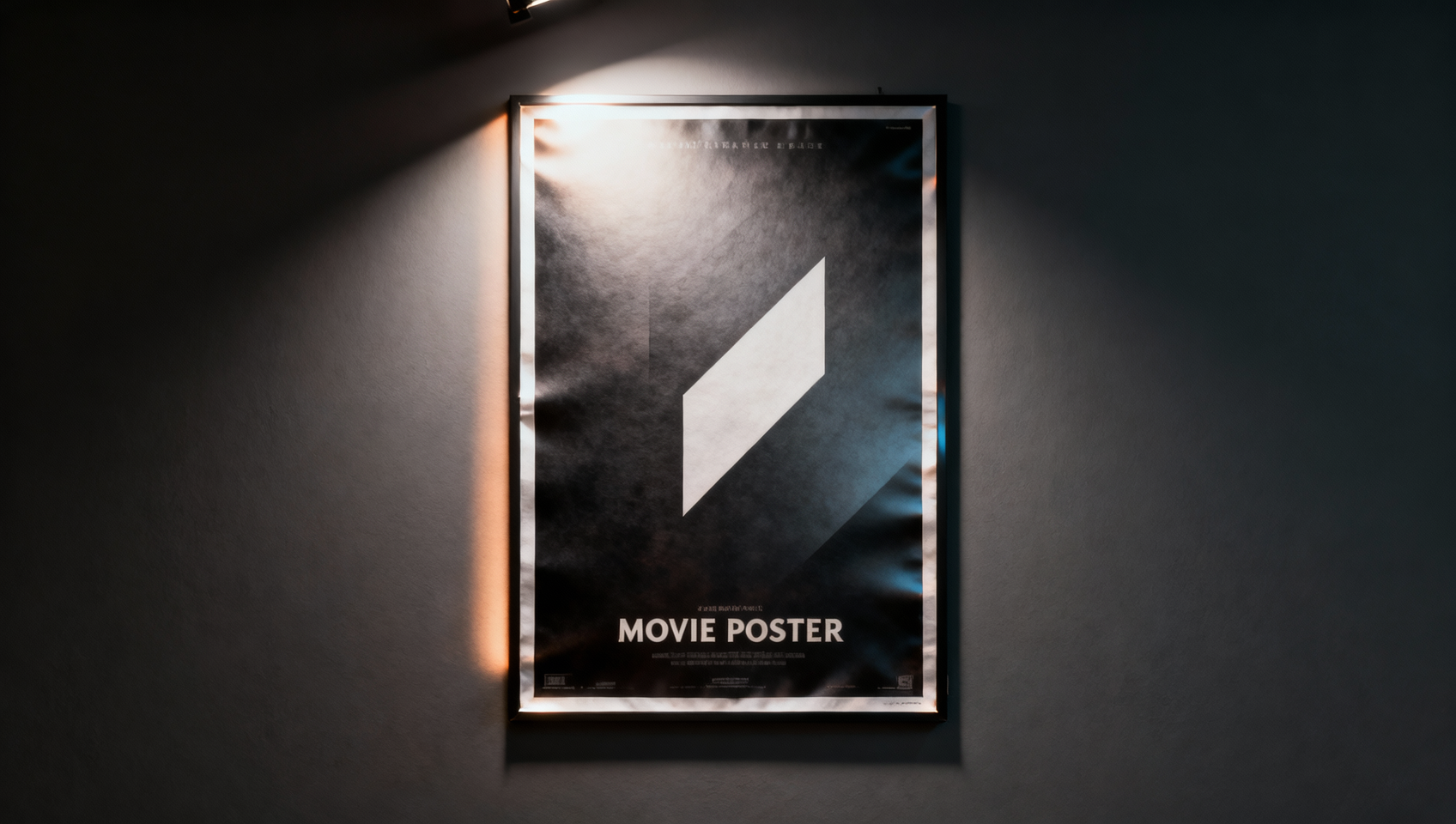
Why Poster Text Still Breaks (and How Pro Helps)
Ask any creator who tried “put the words SUMMER SALE on the image”: letters fuse, vowels vanish, or the model invents a new slogan. Nano Banana Pro exists for the hard cases — denser instructions, stronger layout control, and better in-image text — but it still needs a prompt that treats type like a design spec, not a vibe.
This article is a field guide for poster, cover, and pack-shot text inside MidassAI Studio Nano. You will get a short rule set, six templates you can rewrite, and a finish checklist so you know when to keep AI type versus overlaying text in a design tool.
Five Rules for Legible Type
- Quote the exact string. Write
render the words "SUMMER SALE"— not “add a summer sale headline.” - Name type style and color. Example: bold white sans-serif, high contrast on a dark band.
- Pin placement. Top third, bottom bar, or centered on a blank wall — say it.
- Write copy first, render second. For long lines, finalize wording in a note, then paste the locked string into the image prompt.
- Prefer Pro for finals. Use a faster lane to find composition; switch to Pro when type must survive.
Type Spec Mini
Six Rewriteable Templates
Replace brackets. Run in Studio Nano on Pro (or your studio’s highest fidelity image mode).
1. Event poster
Create a vertical event poster. Background: dusk city skyline with soft bokeh lights. Reserve a clean dark gradient band in the lower third. In that band render the exact words "NIGHT MARKET" in bold white sans-serif, centered. Small secondary line "SAT 8PM" beneath in lighter weight. No other text. 2:3.
2. Product pack callout
Commercial pack shot of [product] on seamless light gray. Keep label artwork readable. Above the product render "NEW" in compact black sans-serif. No extra slogans. Soft studio softbox lighting. 1:1.
3. Tutorial blog cover (visual only + small title)
Editorial photo of a creator editing images on a laptop in a bright loft. Leave calm negative space on the left. In the left negative space render "EDIT SMARTER" in large bold charcoal sans-serif. No logos. 16:9.
4. Multilingual title
Minimal poster, soft paper texture, centered layout. Render the exact words "[localized title]" in elegant high-contrast serif, large, single line if possible. No English subtitle unless quoted separately. 4:5.
5. Infographic header (keep it short)
Clean flat infographic header on off-white. Top center render "3 STEPS" in bold navy sans-serif. Below, three simple icon circles with no words inside icons. Avoid paragraphs of text in-image. 16:9.
6. Fix-only pass on an almost-good frame
Using the uploaded poster, keep art, colors, and layout identical. Replace only the headline with the exact words "[corrected headline]" in the same position, weight, and color. Do not restyle the illustration.
Template 6 is the most valuable once you are close — it mirrors the Lock → Change discipline from our reference-edit tutorial.
When to Stop Fighting the Model
Move type to Figma, Canva, or your brand template when:
- You need pixel-perfect kerning for a trademark wordmark.
- The poster carries a long paragraph or legal line.
- The client demands an exact font file you cannot describe in prose.
AI still wins for exploratory layouts, mock campaigns, and social drafts where “good enough type” unblocks review. Pro reduces failure rate; it does not replace a type foundry.
Studio Nano Production Checklist
- Composition approved on a fast model (optional).
- Final string locked in a notes app — no improvising in the prompt box.
- Pro selected; aspect ratio matches channel.
- Prompt includes quotes + style + placement.
- If one letter fails, run template 6 instead of a full regen.
- Download keeper; optional Showcase browse for fresh layout ideas on this site.
Pair With the Rest of the Series
- Browser workflow: run everything in MidassAI Studio Nano.
- Model picker: escalate to Pro only when type or hero fidelity matters.
- Reference edits: lock art while you swap the headline.
Used together, those pieces turn Nano Banana from a toy into a poster pipeline you can repeat weekly.