
Eight Nano Banana Pro Workflows for Production Assets
NanoBanana Team · July 19, 2026 · 6 min read
Keywords: Nano Banana Pro, AI image generation, production workflows
Published: July 19, 2026 Author: NanoBanana Team
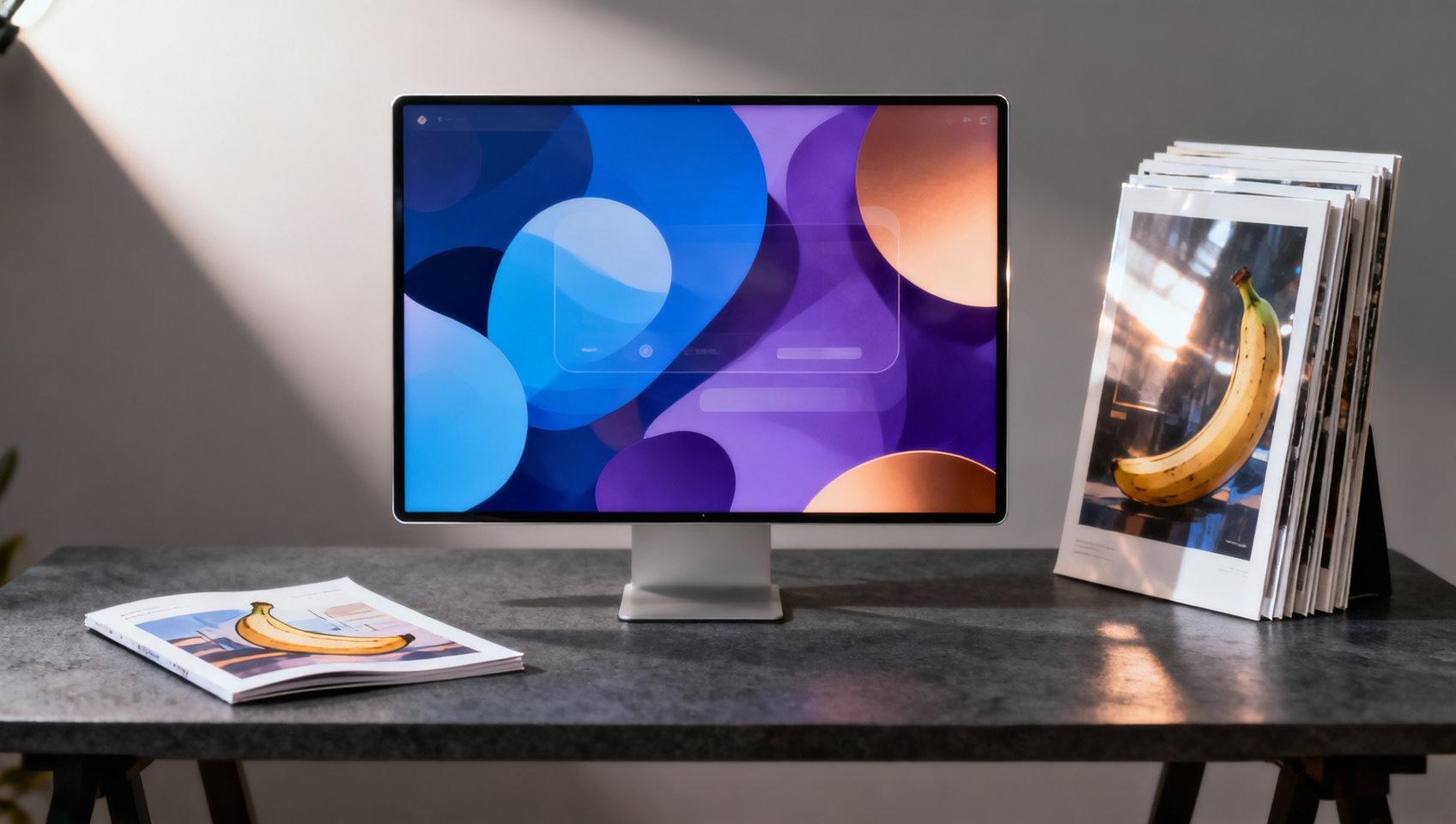
Scaling Creative Output with Nano Banana Pro
Production environments demand consistency, speed, and fidelity. When integrating generative AI into a professional pipeline, the tool must do more than create novelty images; it must generate usable assets that fit within established brand guidelines and technical specifications. Nano Banana Pro, available within MidassAI Studio, leverages Google Gemini technology to bridge the gap between experimental prompting and production-ready deliverables.
This overview details eight specific workflows designed for high-volume asset creation. These are not theoretical exercises but repeatable processes tested for marketing materials, editorial content, and product visualization.
Who This Is For
This guide targets creative directors managing distributed teams, solo founders building MVPs, and marketing specialists needing rapid iteration without sacrificing quality. If your current bottleneck is the time required to source or edit imagery for campaigns, these workflows address that friction directly. You need a solution that handles both generation from text and precise editing of existing photos using natural language commands.
1. High-Resolution Marketing Posters
Creating posters requires more than a pretty image; it requires composition that leaves room for typography. In Nano Banana Pro, start by specifying the aspect ratio explicitly, such as 2:3 or 4:5, depending on your print or digital display needs.
Parameter Focus: Use negative prompts to exclude clutter in the center third of the image. This ensures your headline remains legible. Pitfall: AI often struggles with specific text rendering. Generate the background artwork in Nano Banana, then overlay typography in your preferred design software. Do not rely on the generator for crisp copy.
2. Sequential Comic Panels
Consistency across panels is the hardest challenge in comic generation. To maintain character integrity, define a unique identifier for your protagonist in the initial prompt, such as "male agent with scarred left cheek and blue trench coat."
Workflow: Generate the master character sheet first. Use that image as a reference or describe the visual markers consistently in subsequent prompts for different angles. Tip: Keep backgrounds simple in early drafts to reduce computational noise that might alter the character's features.
3. Data-Driven Infographics
Infographics require a blend of iconography and layout structure. Nano Banana Pro excels at generating isolated vector-style elements when prompted with "flat design, white background, isolated icon."
Production Note: Generate individual components separately rather than attempting a full chart in one go. Assemble the data visualization in a vector editor. This gives you control over the accuracy of the data representation while using AI for the aesthetic elements.
4. Photorealistic Product Renders
For e-commerce, lighting consistency is critical. When generating product concepts, specify the lighting environment, such as "softbox lighting, studio background, 50mm lens."
Parameter Focus: Use the edit feature to swap backgrounds without reshooting the product. Upload a photo of your prototype and use natural language to instruct the model to "place on marble surface with shadow." Pitfall: Watch for logo distortion. AI may alter brand marks during generation. Always verify brand assets manually before publishing.
5. Mobile UI Concept Screens
Rapid prototyping benefits from visualizing interface concepts without writing code. Prompt for "iOS style settings menu, dark mode, high fidelity."
Workflow: Generate multiple variations of a single screen to explore color palettes and layout density. Use these images as communication tools with development teams to align on visual direction before engineering begins. Limitation: These are non-functional images. Do not attempt to extract code directly from the generated raster images.
6. Social Media Carousel Assets
Carousels require visual continuity across multiple slides. The key is to lock the style descriptor. If slide one uses "watercolor texture," ensure every subsequent prompt includes that exact phrase.
Production Note: Generate all assets in a batch using the same seed value if the platform allows, or simply maintain strict prompt hygiene. Consistency in color grading is more important than consistency in subject matter for this format.
7. Seamless Texture Patterns
Game developers and web designers often need seamless textures. Nano Banana Pro can generate tileable images when prompted with "seamless texture, repeatable pattern."
Parameter Focus: Verify the seams by tiling the image in your design software. AI sometimes creates subtle discontinuities at the edges. Tip: Use the editing tools to blend edges if the seamless generation is not perfect on the first pass.
8. Natural Language Photo Editing
Existing photography often needs adjustment rather than replacement. Instead of manual masking, use Nano Banana's editing capabilities to instruct changes like "remove the person in the background" or "change the sky to sunset."
Workflow: Upload the source image. Describe the edit clearly. This reduces the time spent on complex selection tools in traditional software. Pitfall: Complex intersections, such as hair against a busy background, may require multiple iteration passes to look natural.
Quick Takeaways
Integrating Into Your Pipeline
Adopting these workflows requires a shift in how you allocate time. Less time is spent on creation from scratch, and more time is spent on curation and refinement. The value of Nano Banana Pro lies in its ability to produce a high volume of variations quickly, allowing you to select the top 10% for final polish.
When working with Google Gemini-powered tools within MidassAI Studio, remember that context matters. The more specific your description of lighting, composition, and style, the less post-processing you will need. Treat the AI as a junior designer who executes quickly but requires clear direction.
Avoiding Common Production Traps
One frequent error is relying on generative AI for final-resolution assets without upscaling. Always check the output resolution against your delivery requirements. If you need print-ready files, plan for an upscaling step outside the generation tool.
Another trap is copyright ambiguity. While Nano Banana facilitates creation, ensure you have the rights to use the generated assets commercially, especially if they resemble existing protected works. Use the tool for inspiration and base layers, then add unique human creativity to finalize the asset.
Finalizing Your Asset Library
Building a library of production assets is an iterative process. Save your successful prompts alongside the generated images. This creates a internal documentation system that allows team members to replicate successful styles later. Over time, this library becomes a significant productivity multiplier.
The goal is not to replace human creativity but to remove the friction of execution. By standardizing these eight workflows, you ensure that every project benefits from the speed of AI without compromising the quality expected in professional environments.
Start Building With Nano Banana
Ready to implement these workflows in your next project? Access the full capabilities of Nano Banana Pro directly within the MidassAI environment. You can test these prompts and refine your parameters immediately.